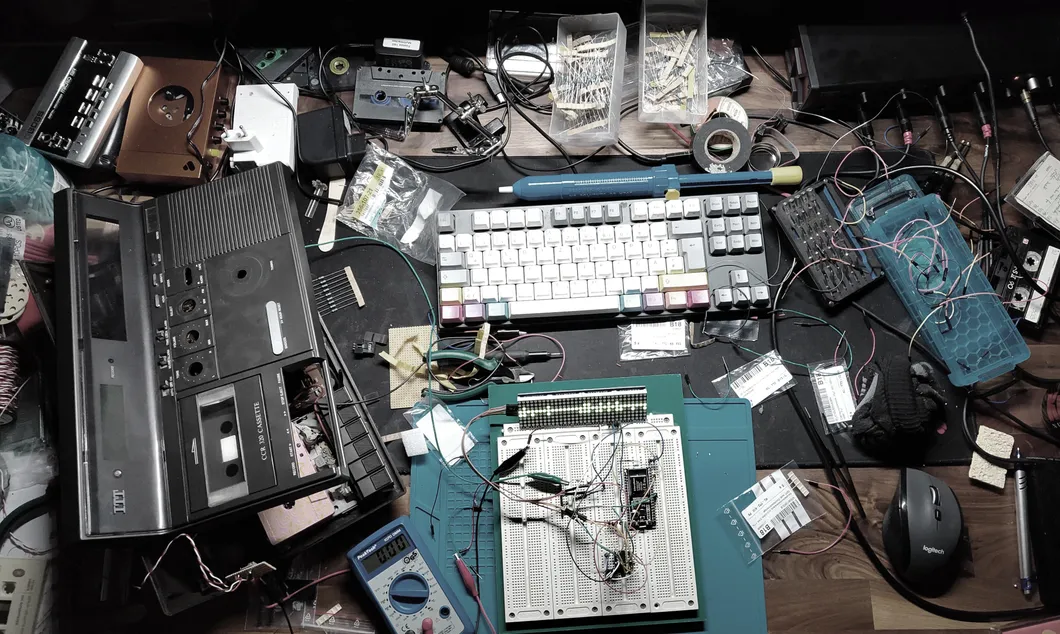
For a while now, my ambient loop station has been a Daisy Seed – a small board for building audio devices – and a pile of pots, faders, buttons and LEDs on my desk. I've tried each part with a bit of test code, one at a time, but before I write the real functionality, I want to get a feel for the controls. Will the knobs be in the right places? Can I reach a fader without thinking about it? To find out, the loop station needed a front panel.
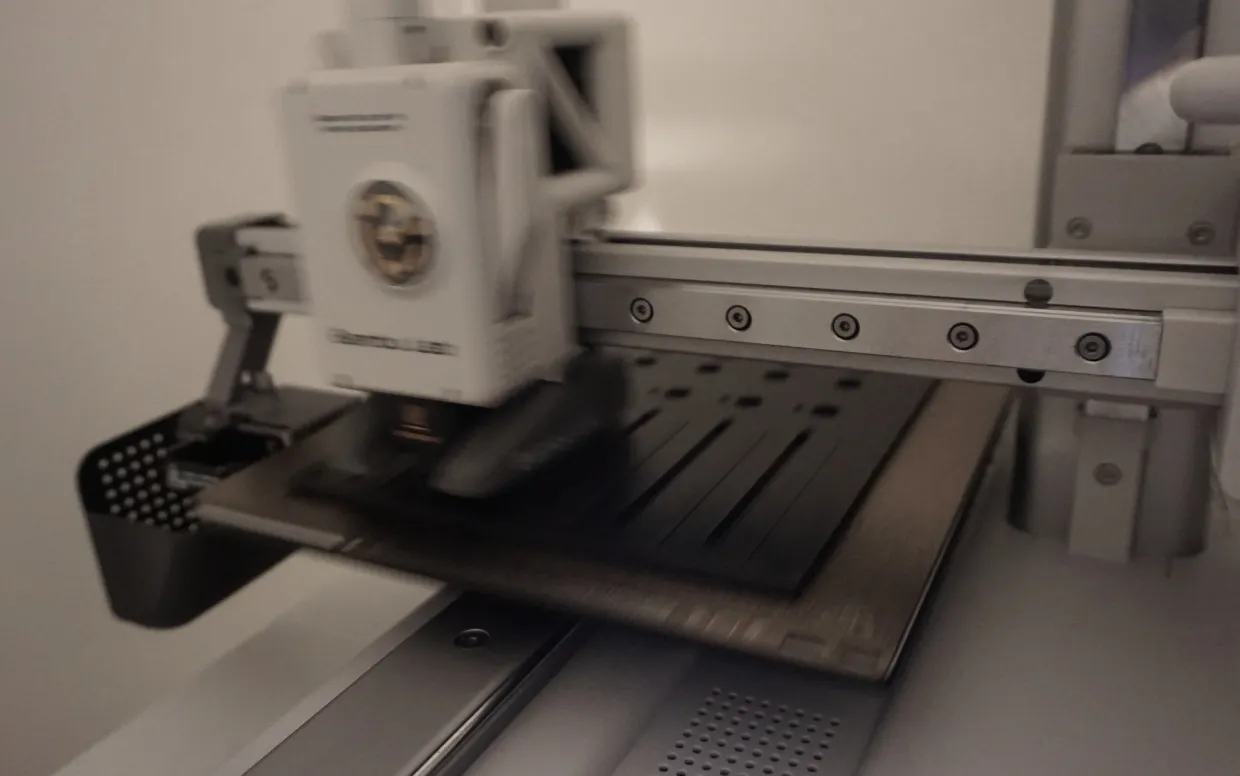
I own a 3D printer, so printing one myself was the obvious next step. That meant modeling the panel on the computer first, and as a developer, I found a tool that felt like home right away: OpenSCAD.
Four functions are enough
OpenSCAD is a free, open-source 3D modeler, but it works differently from most CAD programs. Instead of drawing and pushing shapes around with the mouse, I write a script that describes the object: a plate here, a hole there, cut this one out of that one. OpenSCAD then turns the code into a 3D model.
This way of building objects by adding and subtracting simple shapes is called constructive solid geometry. And since everything is code, changes are quick. If a hole is a few millimeters off, I change one number and render again.
I expected to dig deep into OpenSCAD, but for a front panel, four functions turned out to be enough:
cube()defines the base plate, and rectangular cutouts.cylinder()defines the round holes.difference()cuts the holes into the base plate. If you define a cylinder that goes through the flat plate and wrap both in a difference, you get a hole in the plate.translate()moves a shape around in three dimensions, so every hole ends up in the right spot.
The numbers come from the parts themselves. Most dimensions were in the datasheets, and for the rest, I got out the caliper.
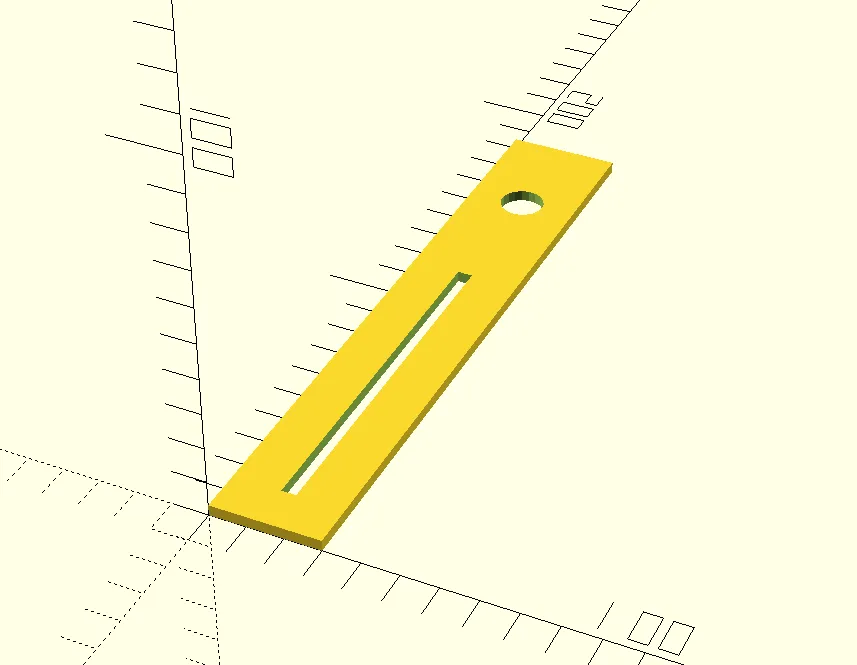
These nine lines make a small strip with a hole for a button or pot and a cutout for a fader:
difference() {
    cube([30, 180, 3]);
    translate([15, 150, 0]) {
        cylinder(20, 6, 6);
    }
    translate([13, 12, 0]) {
        cube([4, 100, 6]);
    }
};
And this is what OpenSCAD renders from them:
You don't need any experience with 3D modeling for this, but a bit of spatial thinking helps: where the origin is, which way the axes point, and how far to move each shape so it lands in the right spot.
The LED detour
Once the basics worked, I started to think about more than just cutouts. One idea was a holder for NeoPixel RGB LED strips. NeoPixels are chained together on a single data line, which would have meant fewer pins to solder than with single LEDs. Unfortunately, libDaisy, the hardware library for the Daisy Seed, can't drive a NeoPixel strip directly.
So I dropped the idea and decided to keep it simple for the beginning: plain LEDs in soft neoprene LED holders.
Testing in small pieces
I didn't print the whole panel right away. A full panel takes a while to print, and I wanted to find my mistakes in small pieces first. So I printed only the sections I wanted to test, and went round in a loop:
- Change a few numbers in OpenSCAD
- Export the model as an STL file
- Slice it and print just that section
- Mount the parts, turn the knobs and see what's off
New to 3D printing?
An STL file describes only the surface of an object, as a mesh of lots of small triangles. There's no color, no material and not even a unit in it. Slicer software assume millimeters, so that's what I use in OpenSCAD as well.
The slicer translates the model into something the printer understands. It cuts the model into thin horizontal layers and works out the path of the nozzle for each of them: where it moves, how much plastic it pushes out and how the inside of the object gets filled.
The filament is the plastic the printer melts. I used PLA, simply because it's what I had at hand. There's also PETG and many other materials, but PLA is known as the easiest one to print: it needs relatively low temperatures and barely warps.
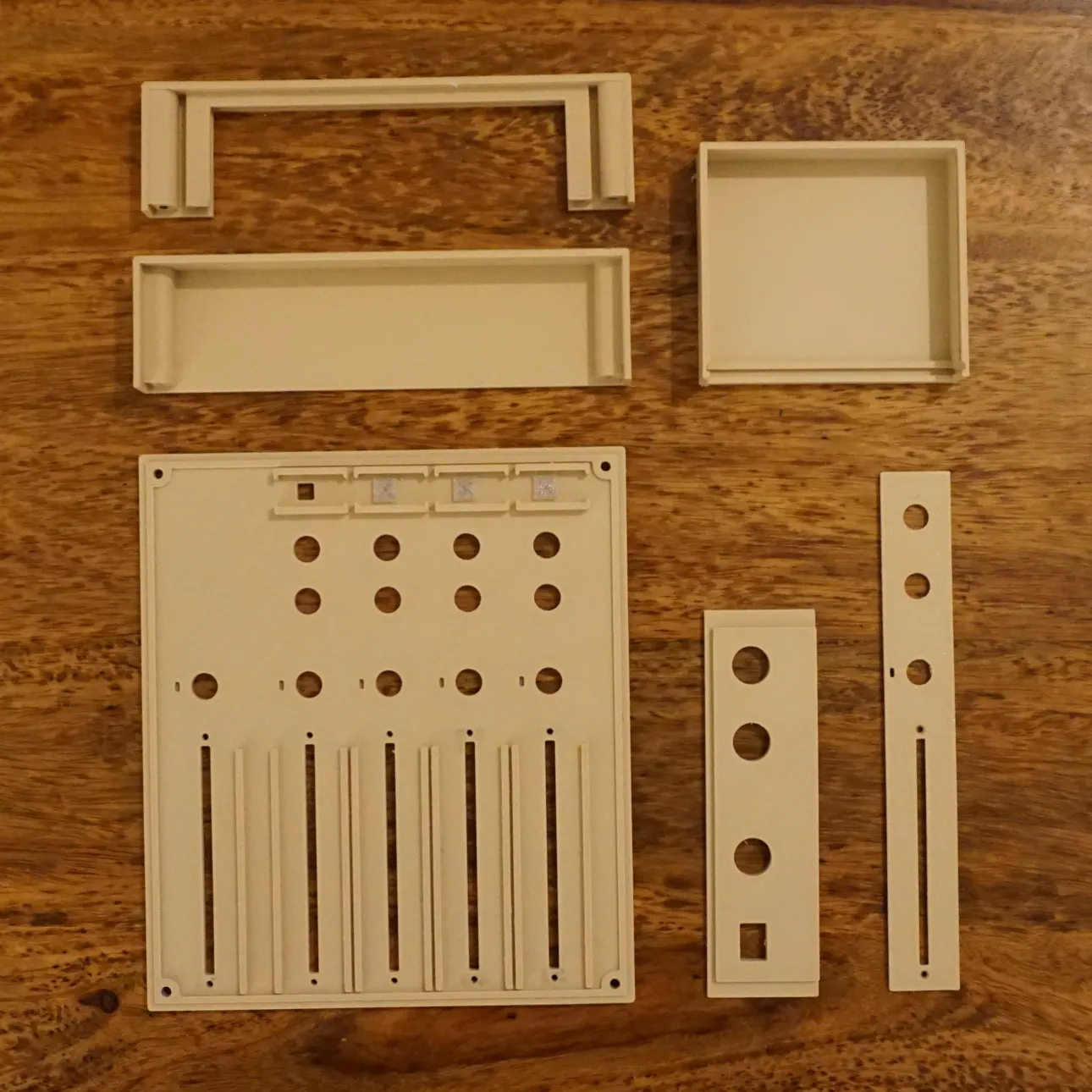
The first round already paid off. All the parts fit, but some pots were too close to each other to use them comfortably. That's the kind of thing you only notice once you have the piece in your hands, and in the code, it was just a matter of a few numbers. After the parts arrived, it took about five of these test prints over two evenings until I had the first version of the whole front panel. The box-shaped parts in the photo are pieces of the enclosure, which I tested along the way.
Holding it in my hands
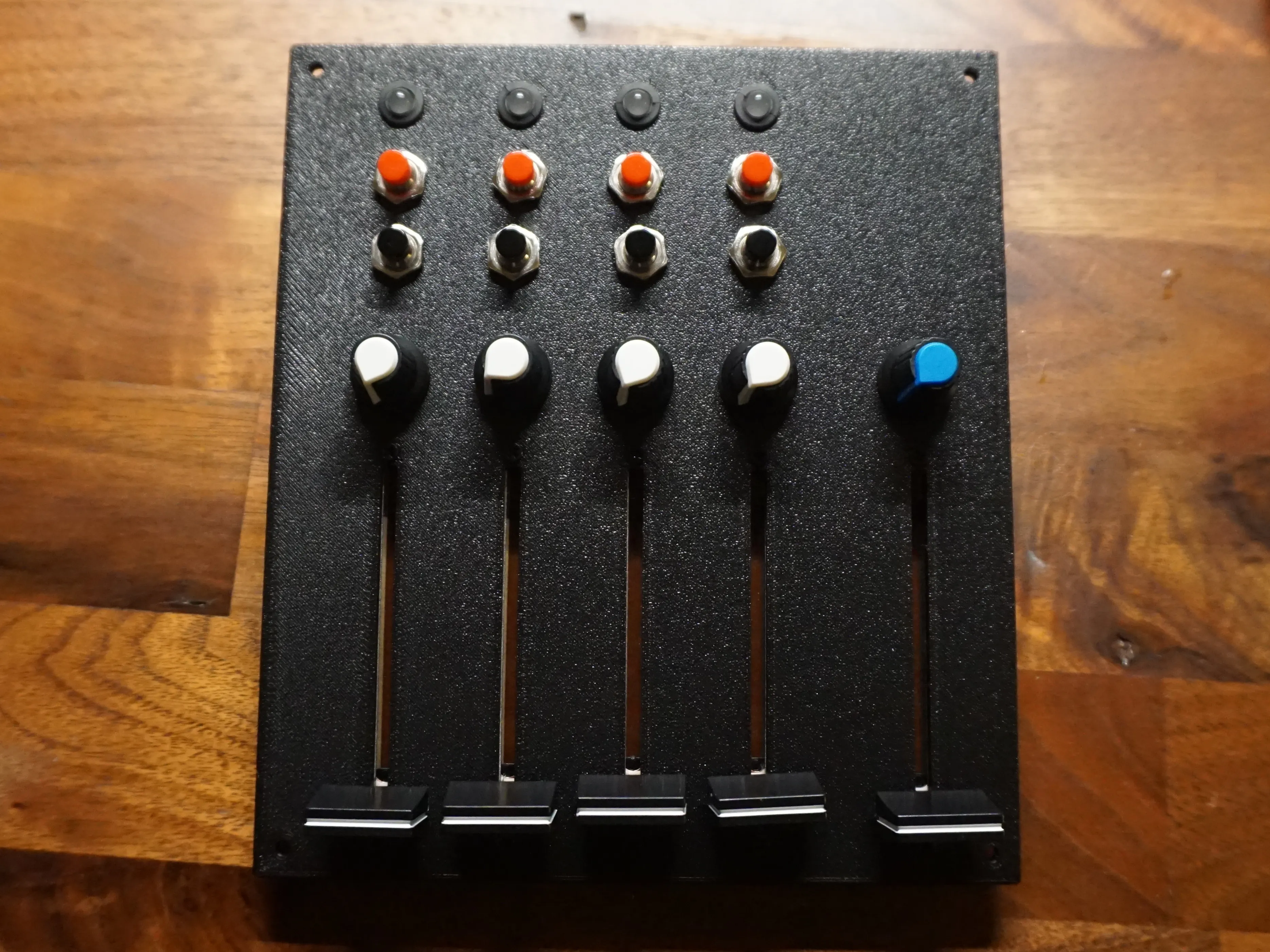
For the full panel, I printed the user-facing side down. My 3D printer came with a textured build plate, and that texture ends up on the front of the panel. A nice surface, for free.
The finished panel is printed now, and the pots and faders sit where they should. Nothing is wired yet, and none of the controls do anything. Still, it feels great to touch something that existed only in my head and as loose parts on my desk before.
What I don't know yet
3D prints aren't as durable as professionally made front panels, and they don't like heat.
PLA and heat
PLA only melts at around 160 °C, but it already starts to soften at around 55–60 °C. That's the number that matters for a front panel: above it, the plastic can start to bend and warp.
The Daisy Seed shouldn't produce too much heat, and in my case it doesn't sit too close to the PLA. If it turns out to be a problem, I can add holes for ventilation, or print the panel in PETG, which holds its shape up to around 70–80 °C. The first prototype will tell.
Next: giving it a meaning
The panel is only a first step, but I like how quickly it came together. An idea becomes something I can hold in my hands within a few evenings, and every iteration shows me a bit more about how the loop station should feel.
There's still a way to go until the prototype actually works. Next, I'll wire everything up, and after that, I'll start coding the software. So far, I only have test code that records and plays back audio and reads single controls.
That's when these pots and faders get their meaning: four tracks that play independently and blend into one slowly evolving ambient piece. I can't wait to get there.
If you want to follow along as the loop station comes to life, you'll find me on Mastodon and Bluesky. Or subscribe to the newsletter for an occasional letter from the workbench.